
Adobe Photoshop Tutorials

|
|
 |
|
 |
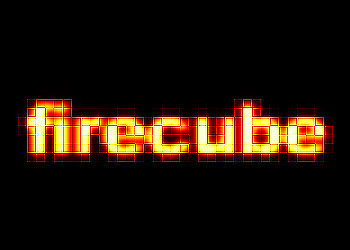
Fire cube Text
Here's how to create this fire cube text:
Step 1
Create a blank document.
Black background. White foreground.
Type your text in a bold font of your choice and apply Filter --> Blur --> Gaussian Blur with a radius of something like 3.

Hit CTRL-E to merge down the layers.
Step 2
Duplicate your layer and select the upper layer.
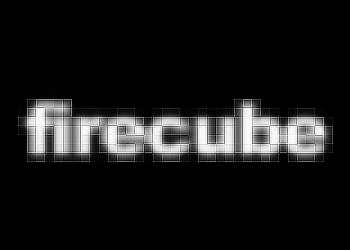
Apply Filter --> Pixelate --> Mosaic and set the Cell Size to 9 or 10, depending on the size of your text.

Step 3
Now set the layer's opacity to 50 percent and use Filter --> Sharpen --> Sharpen three or four times.
Press CTRL-E again to merge the layers.
Step 4
The last steps to add the fire color:
Go to Image --> Mode --> Grayscale
then Image -->Mode --> Indexed Colors
and finally Image -->Mode --> Color Table and choose Black Body
Alright.. fire cube text done!